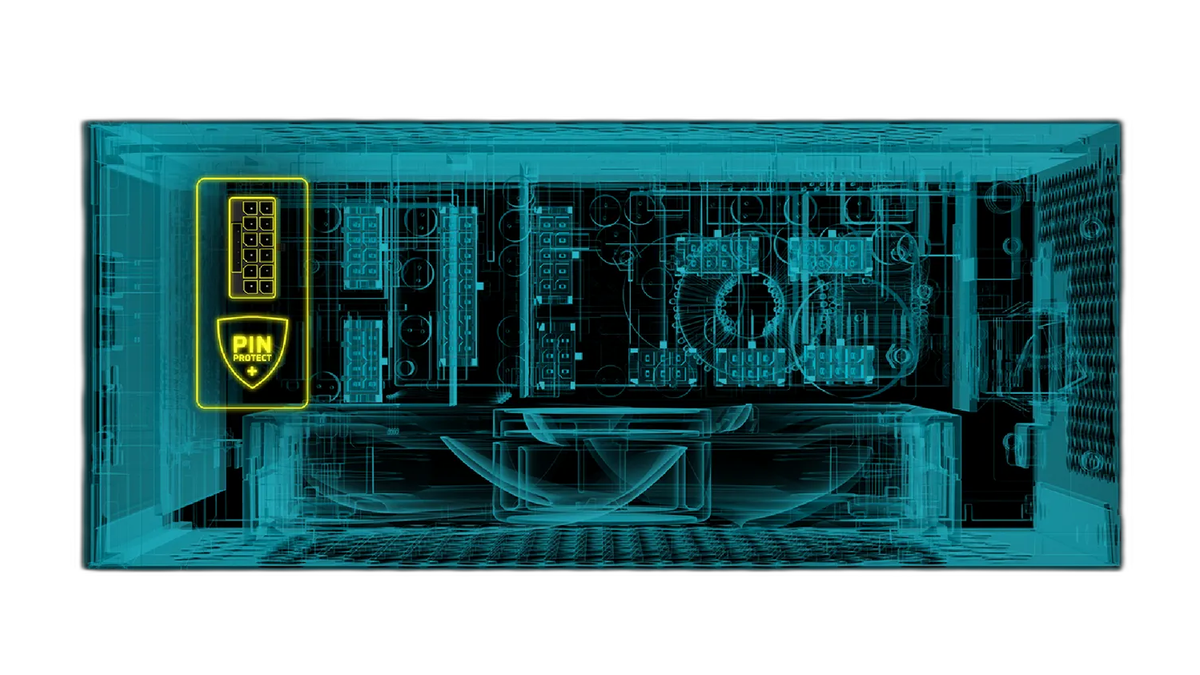
A New Layer of GPU Protection: CORSAIR Introduces PinProtect+
The power supply market is seeing a shift toward more granular hardware monitoring as CORSAIR introduces its PinProtect+ technology. This system arrives as a response to concerns regarding 12V-2x6 cable stability and the potential for hardware damage during high power draws.
Individual Pin Monitoring via iCUE
The CORSAIR HX1000i SHIFT CRYSTAL is the first power supply unit to include this feature. PinProtect+ observes the current on each of the six 12V pins within the cable individually. This precision allows the system to detect uneven load sharing or issues arising from cables that are not fully seated in the connector.
According to corsair.com, the technology is managed through the iCUE software, which provides real-time readouts and allows for specific safety configurations. Users can customize how the power supply reacts to electrical fluctuations through several key settings:
- Current Thresholds: Users can manually set the limit per pin between 7 A and 9.5 A.
- Shutdown Delays: The software allows for a configurable delay between 10 seconds and 180 seconds before the system takes action.
- Safety Actions: If a pin exceeds the set current limit for longer than the chosen delay, the PSU reduces power or cuts power to the GPU entirely.
PinProtect+ lives inside the PSU and watches the current on each of those six pins individually.
— corsair.com
Practical Safety for High-End Builds
For builders using high-performance graphics cards, this level of detail changes the approach to system safety. Instead of relying on a general fuse or total power limit, you can see exactly how much current is flowing through each contact point. This visibility helps identify cable strain or poor connections before they lead to thermal damage or hardware failure.
You can manually adjust that threshold between 7 A and 9.5 A, so it's totally up to you where you want to set the limit.
— corsair.com
Future Availability
While the HX1000i SHIFT CRYSTAL is currently the only model equipped with this monitoring system, CORSAIR plans to include PinProtect+ in future power supply releases. This suggests the technology will become a standard feature across the manufacturer's high-end PSU lineup as 12V-2x6 cables become more prevalent in modern PC builds.