New Rear-Mounting Design for the Sonos Beam Ultra
The soundbar market is seeing a shift in hardware installation as Sonos updates its compact home theater lineup. With the introduction of the Beam Ultra, the manufacturer has altered the physical mounting interface, requiring users to reconsider their current home theater setups.
Hardware Compatibility and Safety Requirements
According to en.community.sonos.com, the Beam Ultra features a distinct mechanical design that prevents it from using existing accessories. The primary change involves the placement of the mounting holes, which have moved from the base of the unit to the rear panel. This structural shift means that brackets owned by users of the Beam Gen 2 or the Arc series will not fit the new model.
The manufacturer lists several critical compatibility constraints for the new hardware:
- The Beam Ultra utilizes mounting holes on the back of the chassis.
- The previous Beam Gen 2 features mounting points located on the bottom.
- Hardware designed for the Arc and Arc Ultra is not compatible with this device.
- Sonos identifies the use of incompatible mounts as a specific safety risk.
Installation Options for Home Theater Owners
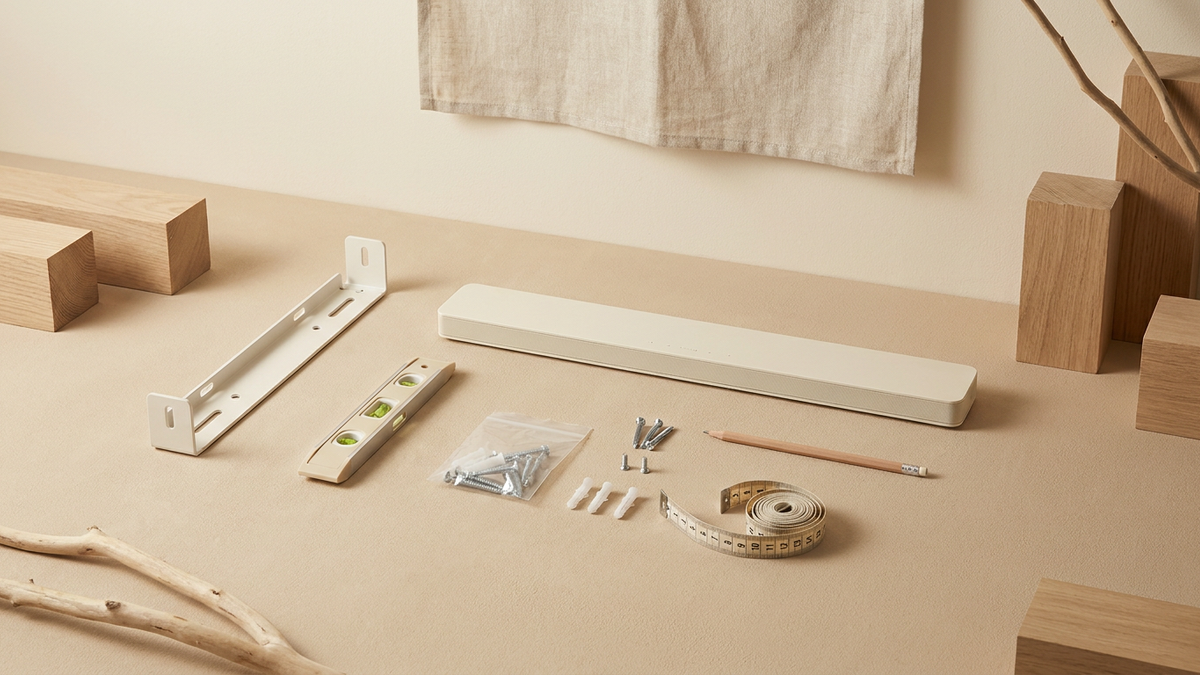
For those planning to integrate the soundbar into a wall-mounted setup, a dedicated Beam Ultra Wall Mount is available as a separate purchase. This official accessory is designed to support the unit either above or below a TV. Because the mounting points are no longer on the bottom, third-party "under-TV" clamps designed for the Beam Gen 2 will likely fail to secure the Beam Ultra properly.
The Beam Ultra has the mounting holes on the back. The Beam Gen 2 has them on the bottom. Beam Ultra is not compatible with wall mounts for other Sonos soundbars, including Beam Gen 2, Arc, and Arc Ultra. Using an incompatible mount poses a safety risk.
— en.community.sonos.com
Considerations for Upgrading Users
If you are upgrading from a Beam Gen 2, you must factor in the cost and labor of replacing your existing wall bracket. While the compact footprint remains a staple of the Beam line, the move to rear-facing holes aligns the product more closely with the mounting style of larger soundbars, even if the brackets themselves remain non-interchangeable. Whether this new mounting orientation improves ease of installation for the average consumer remains to be seen as more units reach homes.