Mastering Extruder Clarity: The 2026 Guide to Nozzle Care
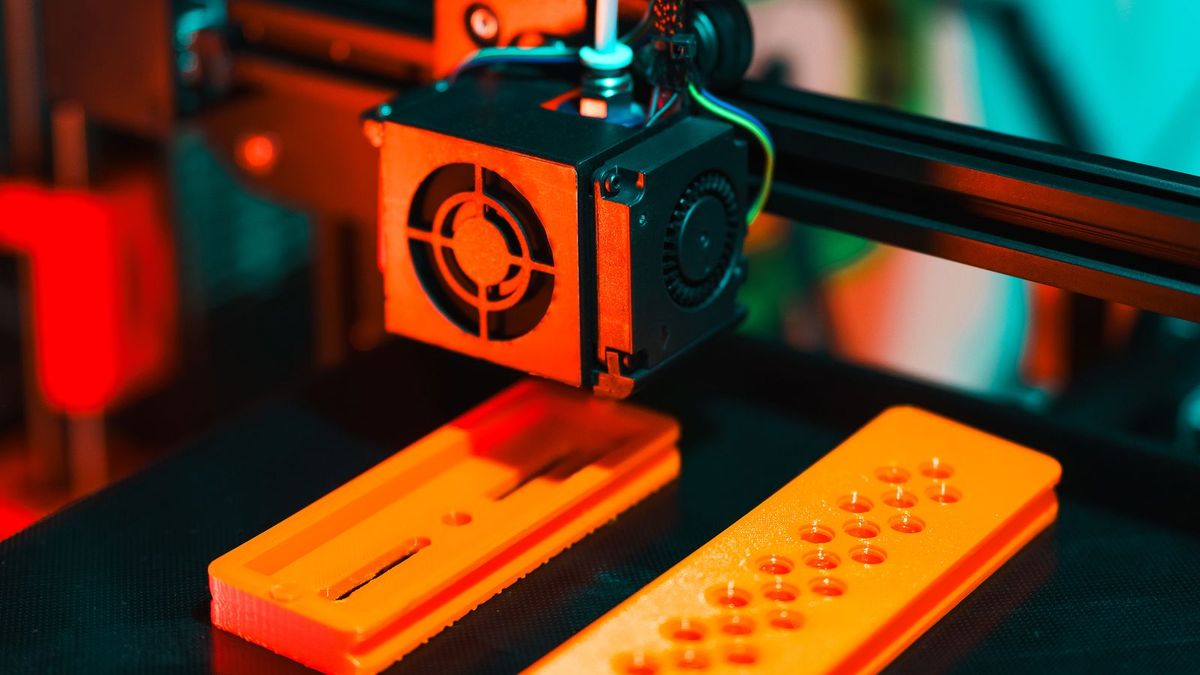
A thin, uneven line of plastic or a clicking sound from your extruder indicates that your 2026 printing project is under threat from a clog. Visualizing the flow of molten filament through a tiny 0.4mm orifice helps you understand why even microscopic debris can ruin a high-resolution print.
3 Questions You Should Ask Yourself
- Is the filament curling as it leaves the nozzle? — This usually indicates a partial clog that requires a cleaning needle or a cold pull.
- Do I see plastic leaking from the top of the heater block? — This is a sign of a loose nozzle or a gap in the hotend assembly, not just a simple clog.
- When was the last time I swapped nozzles? — If you are using abrasive materials like carbon fiber, the nozzle may be worn out rather than just dirty.
Identifying the Type of Clog
Before you reach for your tools, you must determine if you are dealing with a partial or full clog. A partial clog often results in "under-extrusion," where the layers look porous or thin. You might see the filament curling upward and sticking to the nozzle tip rather than laying flat on the bed. A full clog is more dramatic: the extruder motor will skip or click, and no plastic will emerge at all.
Always preheat your nozzle to the printing temperature of the last filament you used before attempting any cleaning. Trying to remove cold filament can damage the delicate threads of your heater block.Common Causes of Jams in 2026
- Heat Creep: Cooling fans failing to keep the heat-break cool, causing filament to melt too early.
- Dusty Filament: Static electricity on plastic spools attracts dust, which then cooks into a carbonized crust inside the tip.
- Material Switching: Moving from a high-temp material like ASA to a low-temp PLA without properly flushing the nozzle.
Step-by-Step: The Cold Pull Method
The cold pull, also known as the Atomic Method, is the most effective way to clean 3d printer nozzle internals. It works by grabbing the debris inside the nozzle and pulling it out as a solid plug. This is a standard procedure for high-performance machines like the Bambu Lab P1S 3D Printer or the Creality K1C 2025.
- Heat the Nozzle: Set the temperature to 250°C (for PLA or PETG).
- Insert Cleaning Filament: Push a length of nylon or cleaning filament manually into the extruder until it starts to ooze.
- Cool Down: Lower the temperature to approximately 90°C (for PLA) or 130°C (for Nylon).
- The Pull: Once the target temperature is reached, quickly pull the filament out of the extruder.
- Inspect: Look at the tip of the pulled filament. If it is black or contains specks, repeat the process until the tip comes out clean and shaped like the nozzle interior.
Mechanical Cleaning and Maintenance
Sometimes the clog is external or localized at the very tip. For these instances, a cleaning needle is your best friend. These are typically stainless steel wires measured to match your nozzle diameter (usually 0.4mm). While the nozzle is hot, insert the needle from the bottom and wiggle it to break up any carbonized plastic.
Essential Tool Kit for 2026
| Tool | Purpose |
|---|---|
| Brass Brush | Removing burnt plastic from the nozzle exterior. |
| 0.4mm Needles | Breaking up internal clogs manually. |
| Cleaning Filament | Specialized polymer that picks up debris during cold pulls. |
| Socket Wrench | Safe removal of the nozzle while hot. |
If you find yourself constantly cleaning nozzles on older hardware, it might be time to upgrade to a modern system. Check out our Best 3D Printers 2026 guide to see which new models offer "quick-swap" nozzle designs that make maintenance much easier.
If you are using a specialized printer like the Elegoo OrangeStorm Giga, ensure you have the correct large-format tools, as industrial-scale nozzles can be more difficult to reach.Preventing Future Clogs
Maintenance is better than repair. In 2026, many enthusiasts use filament filters—small sponges that clip onto the filament before it enters the extruder—to wipe away dust. Additionally, ensure your retraction settings are not too high; pulling hot filament too far back into the cold zone is a recipe for a permanent jam.
Proper storage is also key. Wet filament can boil inside the nozzle, creating steam pockets that lead to inconsistent flow and eventual charring. For more tips on maintaining your tech gear in top shape, you might also be interested in how to clean your coffee grinder for a better morning while you wait for your prints.
FAQ
How often should I clean my 3D printer nozzle?You should perform a quick exterior brush every few prints and a deep cleaning (cold pull) whenever you switch between different material types (e.g., PETG to PLA).
Can I use a blowtorch to clean a nozzle?While possible for all-metal nozzles, it is risky. It can anneal the metal, making it softer and more prone to wear. It is usually safer to replace a $5 brass nozzle than to torch it.
Why does my extruder click even after cleaning?The issue might be the extruder tension or a worn-out gear rather than the nozzle itself. Check if the gear teeth are filled with plastic shavings.
Conclusion
Maintaining a clean 3D printer nozzle is the single most effective way to ensure high print quality in 2026. By mastering the cold pull method and keeping a dedicated cleaning kit, you can minimize downtime and avoid the frustration of failed prints. Remember: if a nozzle remains stubborn after three cold pulls, the most precise solution is simply to replace it with a fresh one to maintain the tight tolerances your projects demand.