Is this a good price? Find out on the product page.
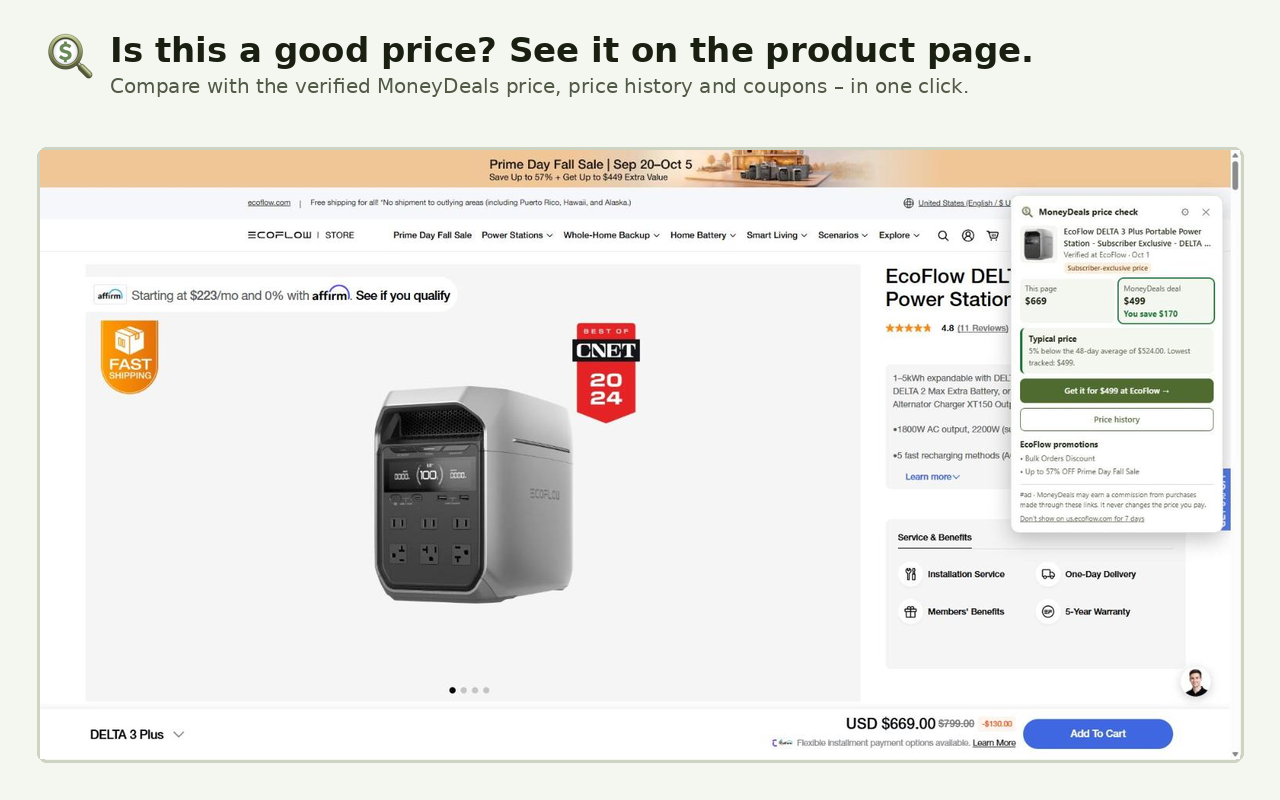
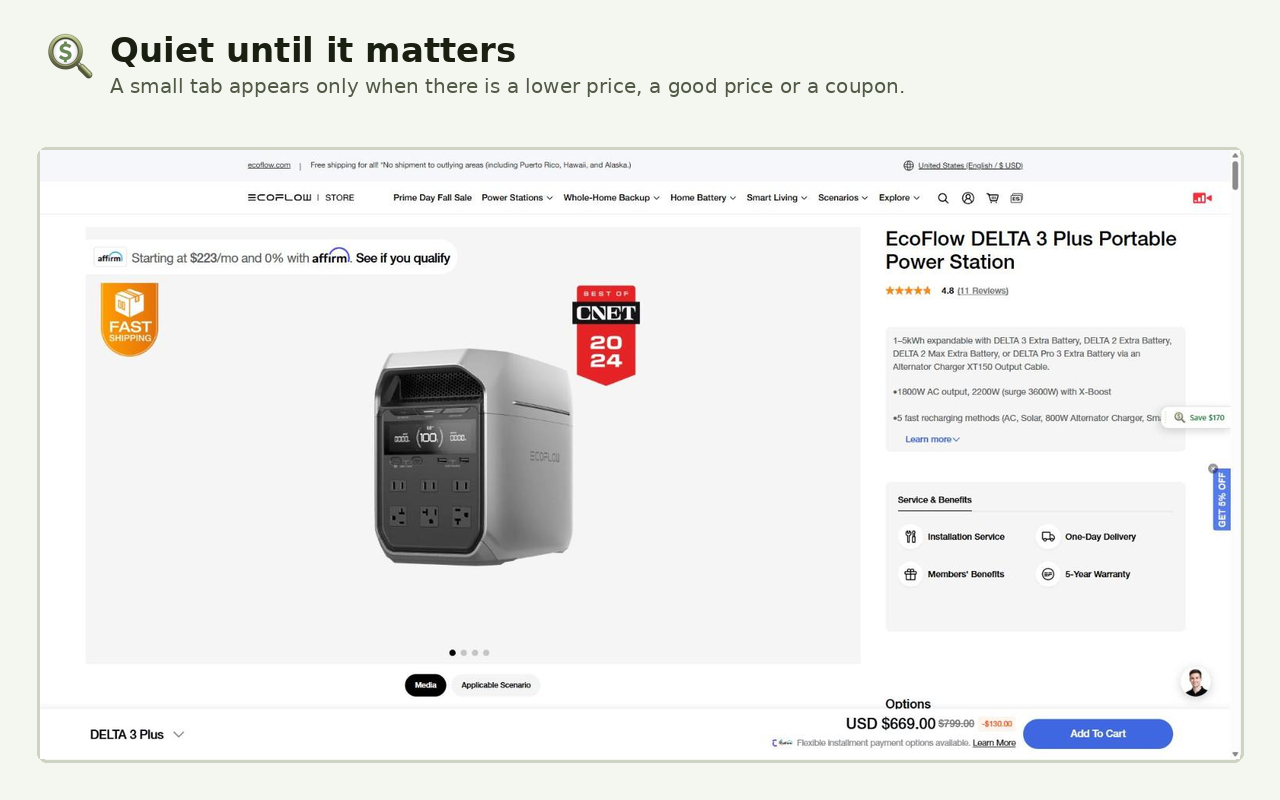
The free MoneyDeals extension compares the product you are viewing with our verified US price history, other shops and current coupon codes — right where you shop.
Coming soon to the Chrome Web Store
Free · Works in Chrome, Edge & Brave
No account · No browsing history · #ad disclosed
Benefits
- Price check vs. 90-day average & lowest price — See instantly whether today’s price beats the 90-day average and how close it is to the lowest price we have tracked.
- Lower verified price elsewhere — If another US shop sells the same product for less, the extension shows the verified lower price.
- Coupon codes with one-click copy — Current coupon codes for the shop appear in the panel and copy to your clipboard with one click.
How it works
- Add the free extension to Chrome.
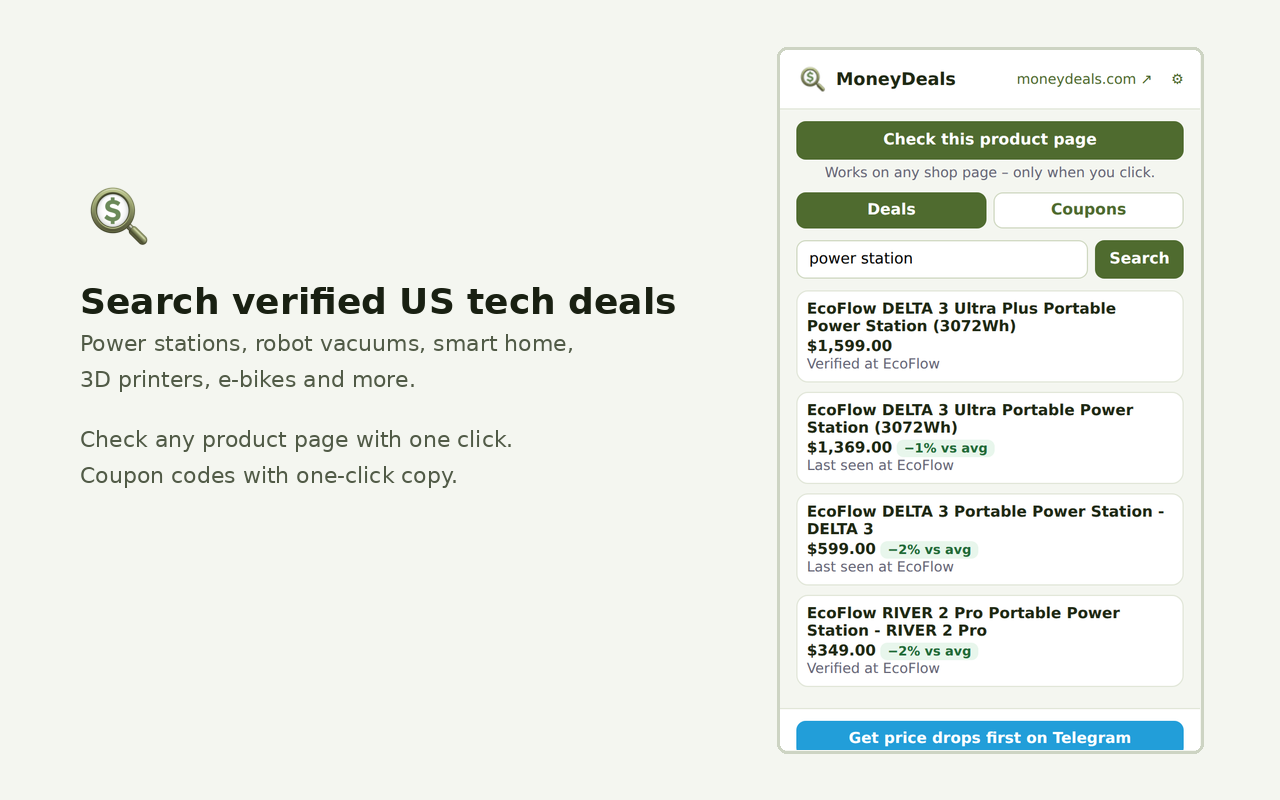
- Open a product page in a supported US tech shop — or search a product in the extension popup.
- Read the price check, compare offers and copy a coupon if one is available.
Try it without installing
Paste a product name on this page to see the same price check the extension shows.
Works on 80+ stores
- Power stations & solar: EcoFlow, Anker, Jackery, BLUETTI
- Drones & cameras: DJI, Insta360
- Robot vacuums: Roborock, Dreame, ECOVACS
- 3D printers: Bambu Lab, Anycubic, Creality
- Kitchen & smart home: Ninja, Nanoleaf, Govee, Levoit
- Big US retailers: Best Buy, Walmart, Target, Newegg, B&H
Privacy & how we're funded
- Only the product name of the page you are currently viewing (or the search term you type in the popup) is sent to our server to find matching prices.
- No browsing history, no account, no login and no analytics inside the extension.
- Local settings such as hidden sites and panel position stay on your device.
- We earn affiliate commissions only when you click a shop link — and we only show a link when it offers a real advantage (lower price or working coupon). Such links are marked #ad.
Privacy policy · How we make money
FAQ
Is the MoneyDeals extension free?
Yes. The extension is completely free, needs no account and shows no ads inside the shop page.
Which data does the extension send?
Only the product title of the shop page you are viewing, or the search term you type in the popup. It does not read or send your browsing history, personal data or cookies.
How does MoneyDeals make money with the extension?
If you click a shop link and buy, we may earn an affiliate commission at no extra cost to you. Links are only shown when they offer a real advantage and are marked #ad.
Which browsers are supported?
The extension works in desktop Chrome, Microsoft Edge and Brave (all Chromium-based, installed from the Chrome Web Store). Mobile browsers are not supported.
How do I hide the extension on a site or remove it?
Use the panel menu to hide it on the current site (stored only on your device), or remove it any time via chrome://extensions.
Coming soon to the Chrome Web Store
Free · Works in Chrome, Edge & Brave